Voice Translator for Gaming
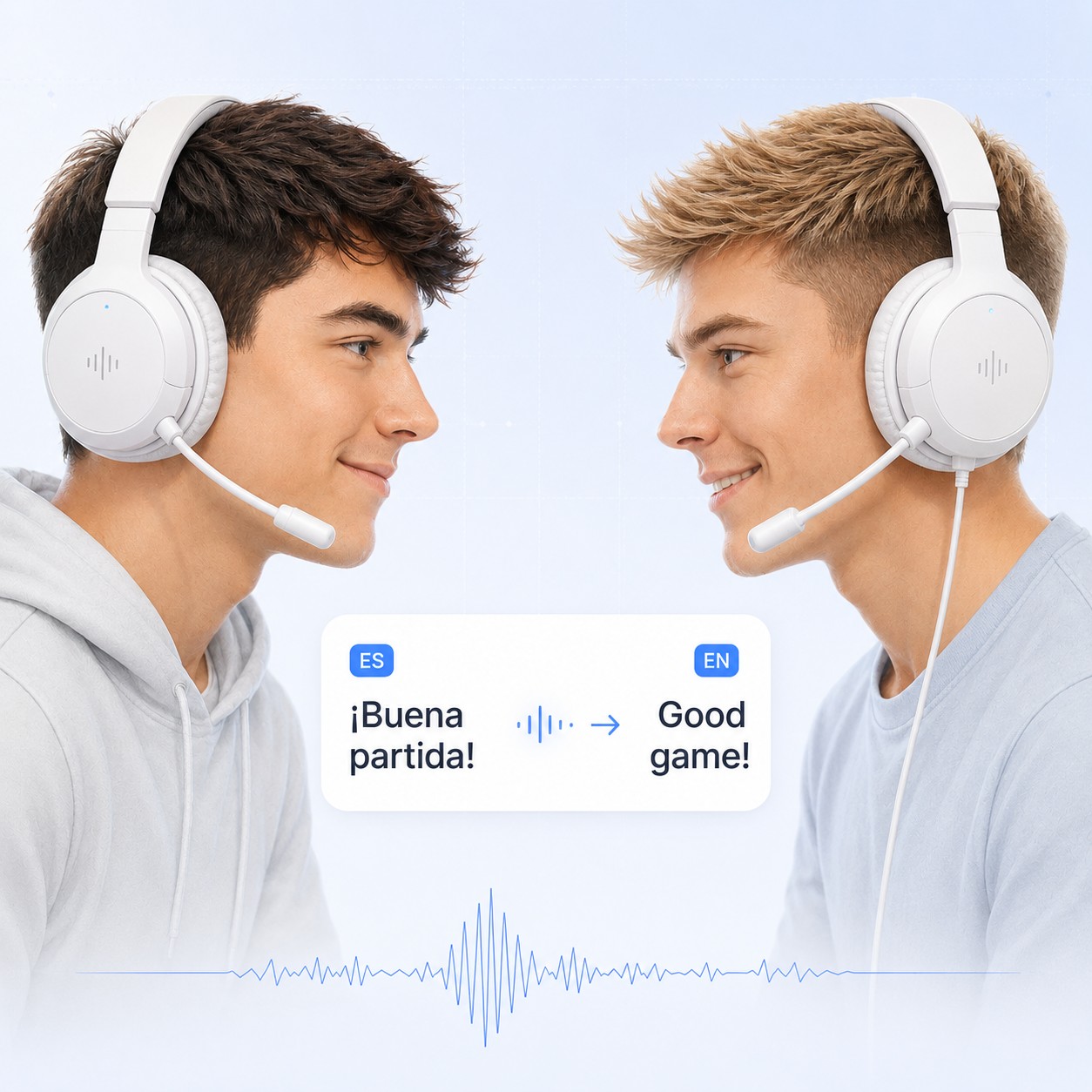
Call plays to teammates who do not share your language. Sonqra Virtual Microphone works as your mic in Discord and in-game voice chat, so coordination survives the language gap.
Works with your favorite apps & games


How to translate voice chat while gaming
Sonqra sits at the microphone level, so any game or client that lets you pick an input device can use it — no mods and nothing injected into the game.
Install Sonqra
Install Sonqra for Windows or macOS, then pick the language you speak and the language your teammates should hear.
Start translation
Click “Start Translation” in Sonqra so the virtual microphone starts carrying your translated voice.
Set it as your voice-chat mic
Choose Sonqra Virtual Microphone as the input device in Discord, or in your game's audio or voice-chat settings.
Queue up and play
Speak normally — teammates hear your callouts translated while you keep your hands on the game.
Why players translate voice chat
Matchmaking crosses borders long before language does. When a squad cannot coordinate out loud, it falls back to pings and broken text — and loses the rounds that depend on talking.
Coordinate, not just ping
Callouts, rotations, and warnings land as speech instead of guesswork.
Play with a wider pool
Queue with friends and communities in other regions without picking a common second language.
Nothing injected into the game
Sonqra is an audio device, not a mod or overlay, so it stays clear of anti-cheat concerns.
Start free
Test it in a few matches on the free plan and upgrade when it becomes part of your setup.
Gaming voice translation FAQ
Setup details for players adding live voice translation to Discord and in-game chat.
How do I translate voice chat while gaming?
Install Sonqra, start translation, then select Sonqra Virtual Microphone as the input device in Discord or in your game's voice-chat settings.
Will this trigger anti-cheat?
Sonqra runs as a standard audio device and does not inject code into games, read game memory, or overlay the game window.
Does it work in in-game voice chat, not just Discord?
Yes, in any game that lets you choose a microphone in its audio or voice settings. Games with a fixed input device are the exception.
Will it slow my game down?
Translation runs alongside the game rather than inside it. Impact depends on your hardware, like any other background application.
Which languages are supported?
Sonqra supports 30+ popular languages, including English, Spanish, French, German, Japanese, Korean, Mandarin, Portuguese, and Arabic.
Can my teammates hear my original voice too?
The channel carries the translated voice. Teammates who want your original audio can join a second channel where you use your regular microphone.
Ready to play with anyone?
Download Sonqra, set it as your voice-chat microphone, and queue up.